.png?width=240&height=55&name=Untitled%20design%20(86).png)
1. Log in to the Admin Portal and navigate to Booking Site Admin. Ensure you have an active Booking Site Admin account before proceeding.
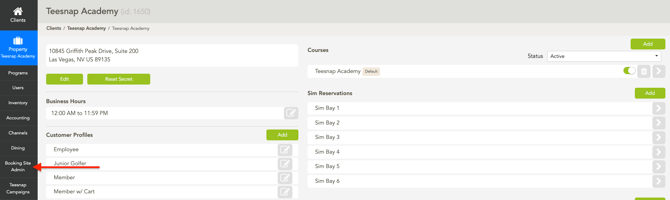
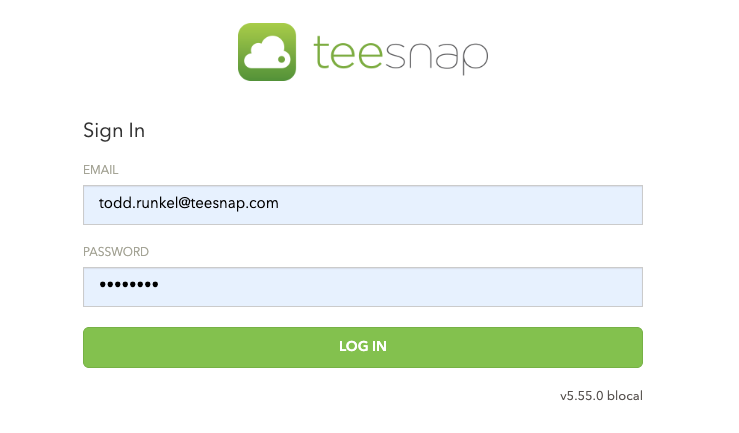
2. Log in directly to the Booking Site Admin.
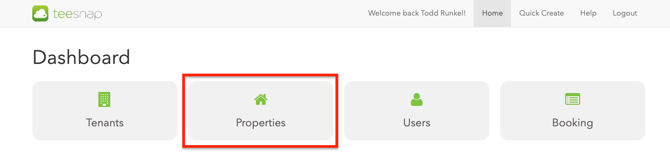
3. Select Properties
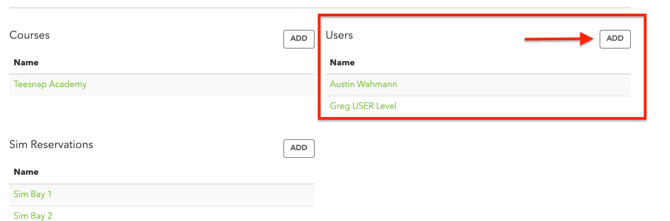
4. In the Users section, click Add.
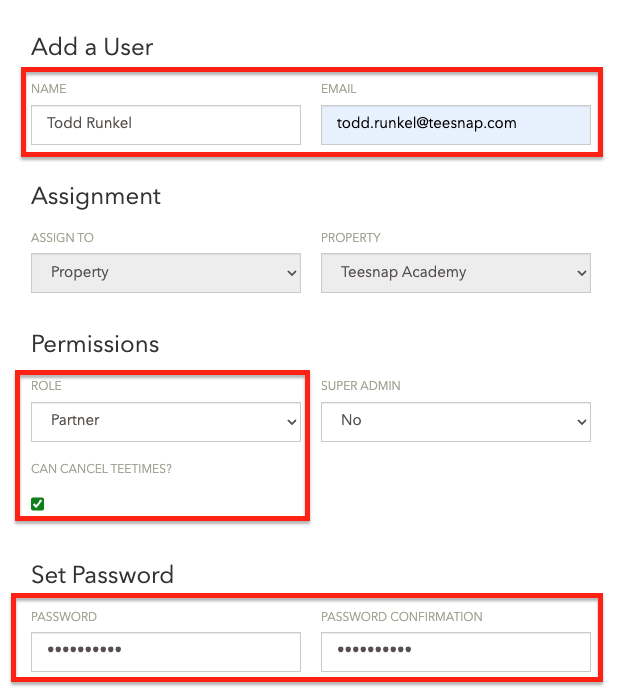
5. Next, complete the required user details.
-
User Name
-
Email Address
-
Under Role, select Partner. If you want them to be able to cancel a tee time, please select Can Cancel Tee Times.
- Create a Password and Confirm the Password.
The Password must be 8 characters long and include at least one uppercase letter, at least one lowercase letter, and at least one special character.
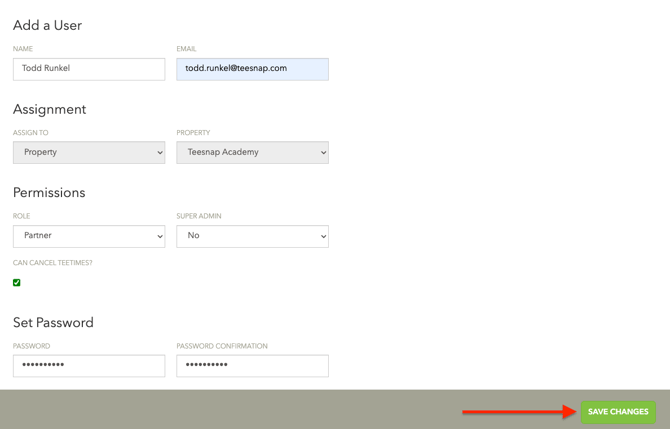
6. Click Save Changes once complete.
If you have any questions, please do not hesitate to reach out to Teesnap Support by emailing us at support@teesnap.com or calling 844-458-1032.