.png?width=240&height=55&name=Untitled%20design%20(86).png)
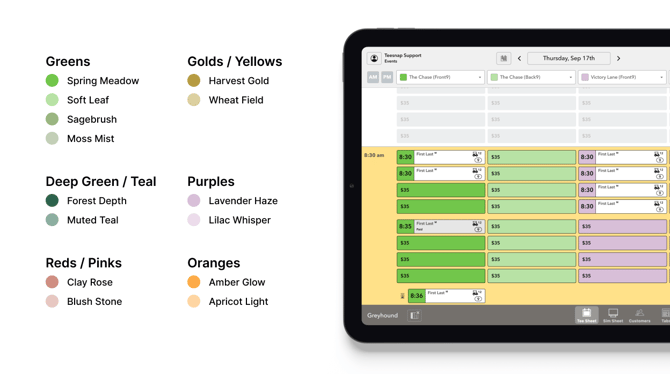
1. Using specific colors is especially helpful when you display front and back 9, manage multiple courses, or operate several simulator bays.
2. To update the colors on your account, contact Teesnap Support or your Client Success Representative.
If you have any questions, please do not hesitate to reach out to Teesnap Support by emailing us at support@teesnap.com or calling 844-458-1032