.png?width=240&height=55&name=Untitled%20design%20(86).png)
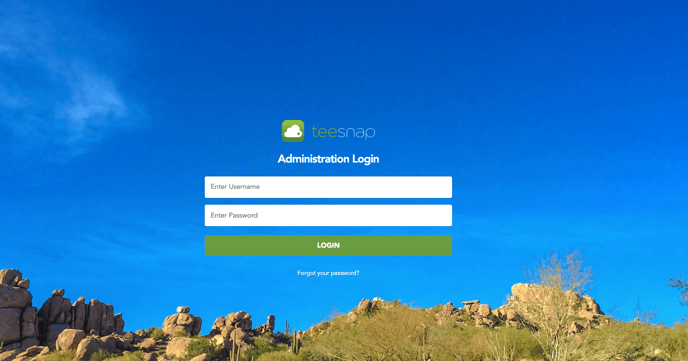
1. Login to the Teesnap Admin portal at: https://admin.teesnap.com/teesnap-portal/login
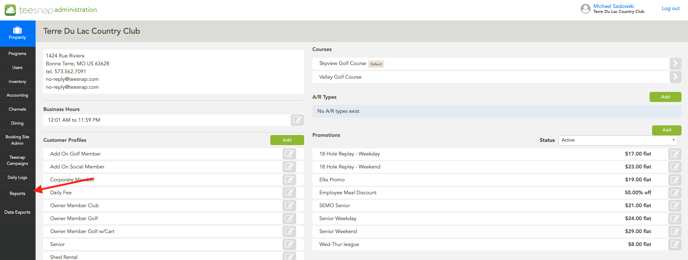
 2. On the left side click on Reports.
 3. After clicking on reports, a reports dashboard will appear with 13 different workbooks each containing multiple reports.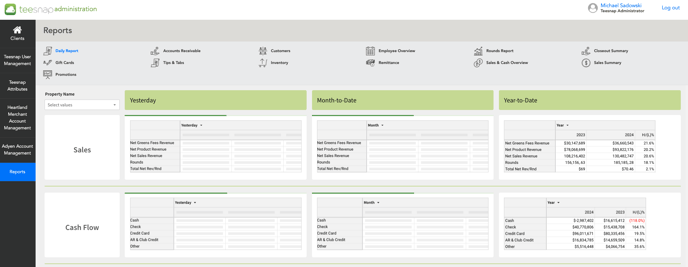
If you have any questions, please do not hesitate to reach out to Teesnap Support by emailing us at support@teesnap.com or calling 844-458-1032.