.png?width=240&height=55&name=Untitled%20design%20(86).png)
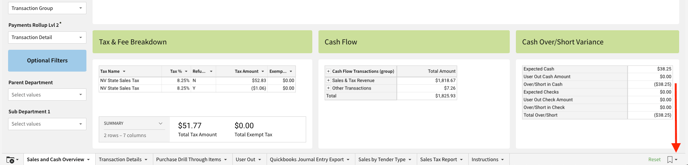
1. Start by clicking on the drop-down arrow in the bottom right corner of the screen, then selecting "Save as new Bookmark".

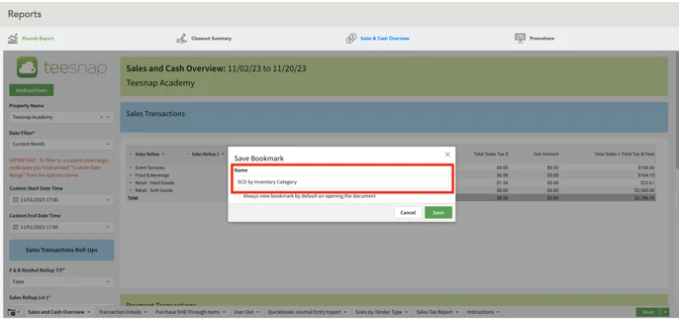
2. Name the report and click save.
If you have any questions, please do not hesitate to reach out to Teesnap Support by emailing us at support@teesnap.com or calling 844-458-1032.