.png?width=240&height=55&name=Untitled%20design%20(86).png)
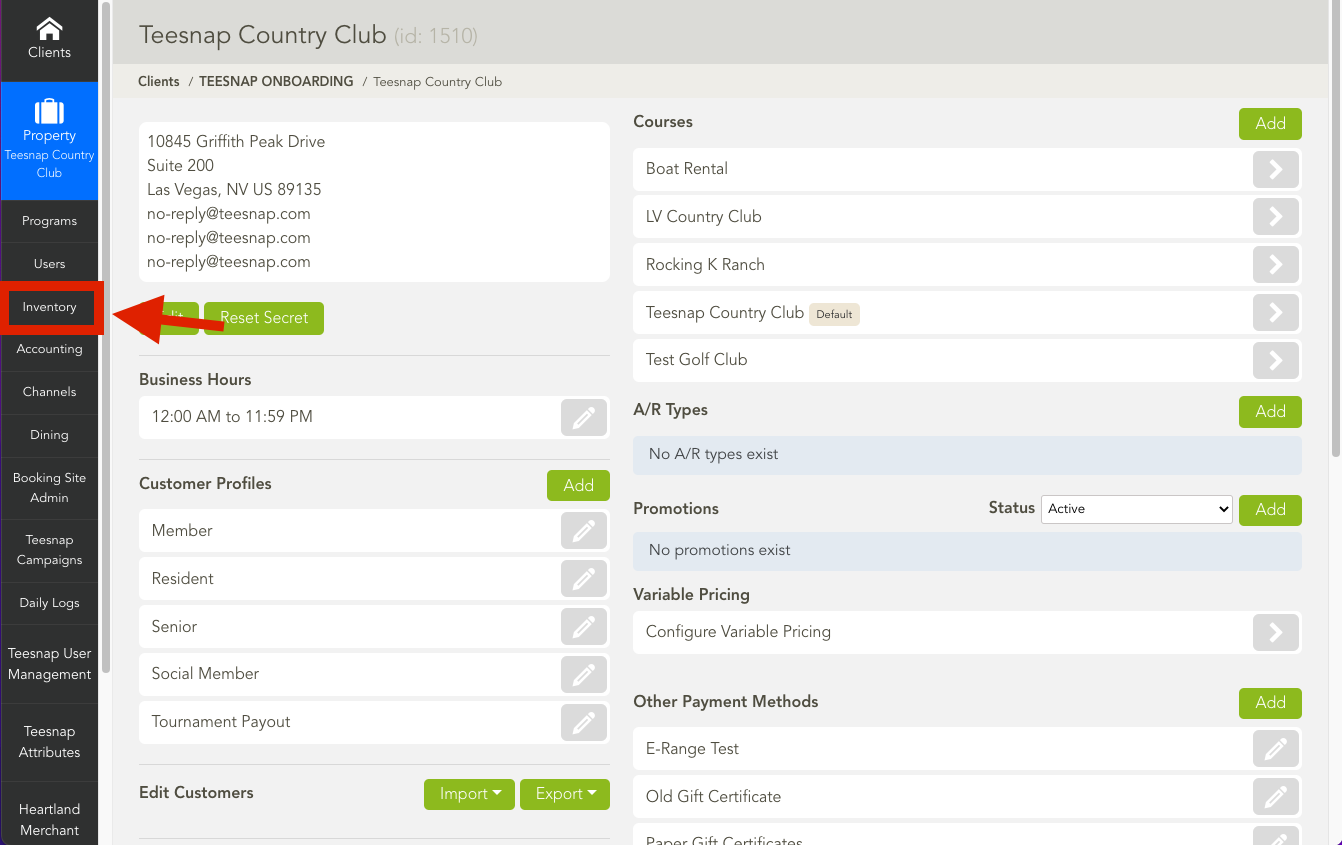
1. Navigate to the Inventory Tab.
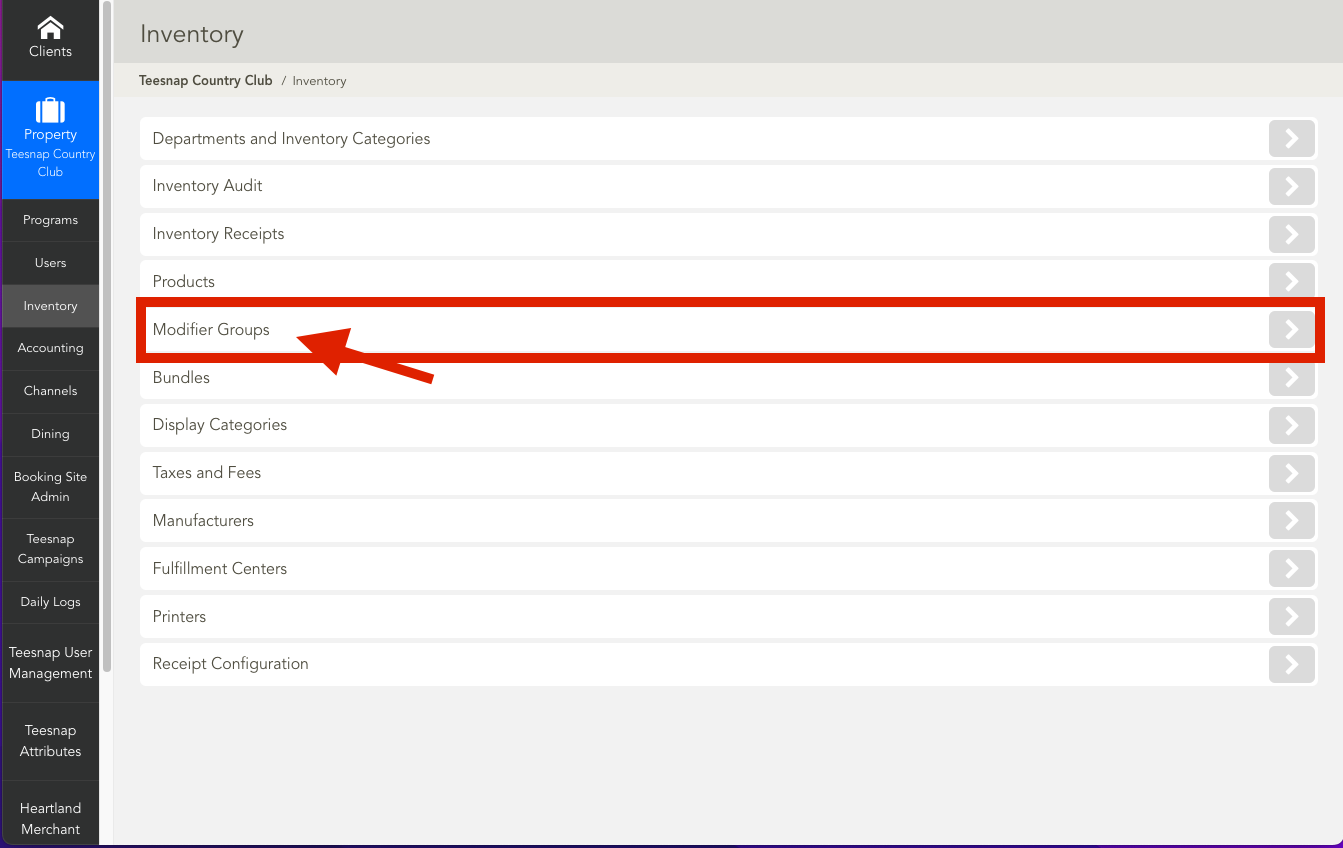
2. Find and select the Modifier Groups.
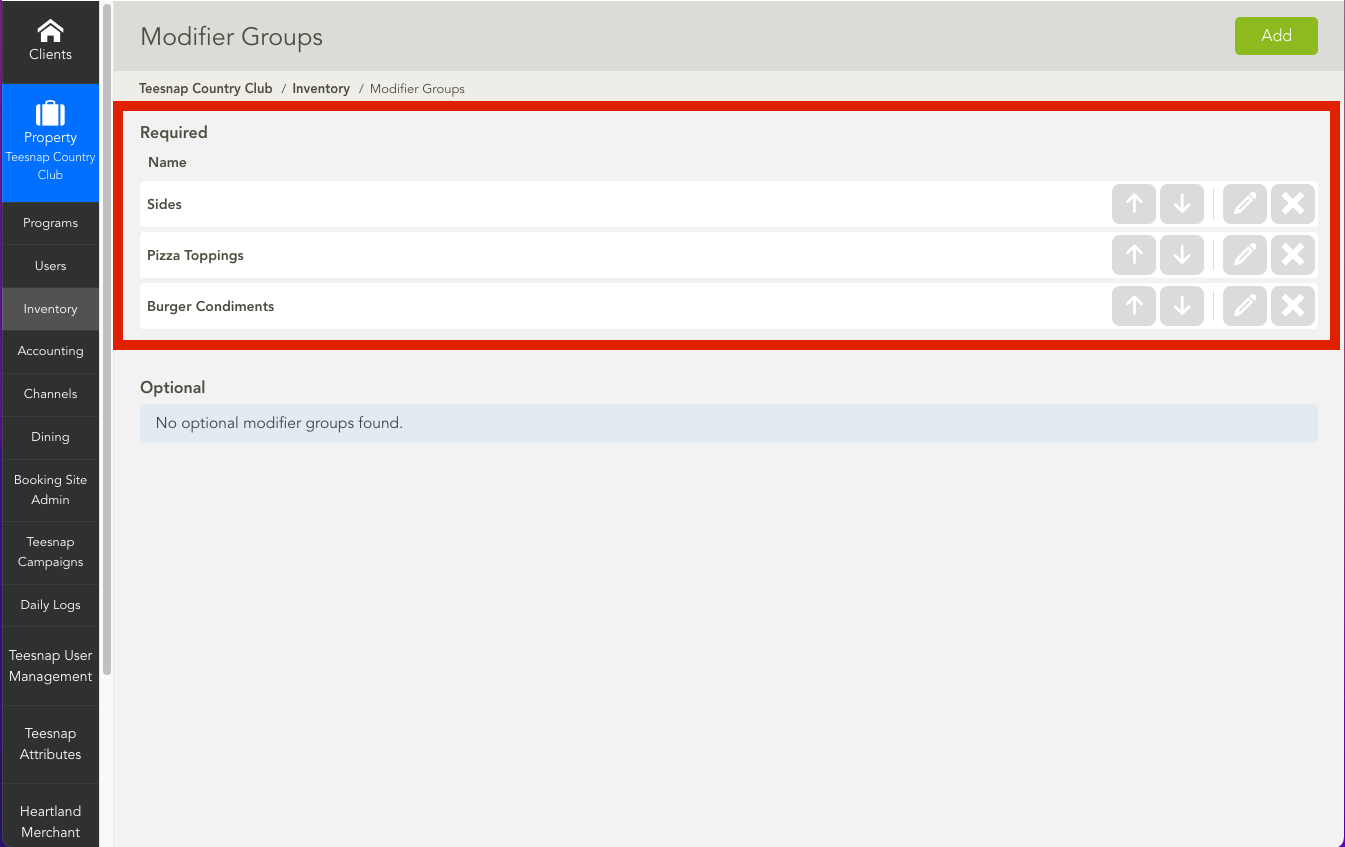
3. Select the pencil icon next to the modifier group you wish to edit.
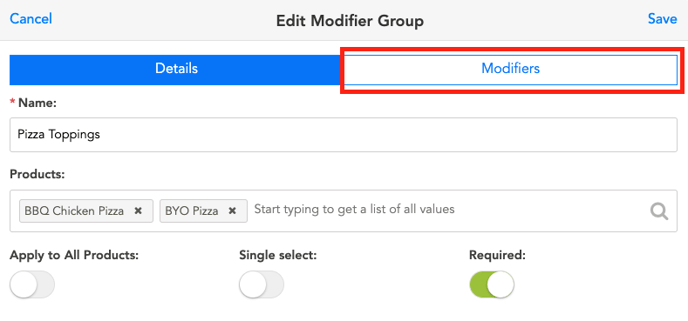
4. Next, navigate to the "Modifiers" tab within this window.
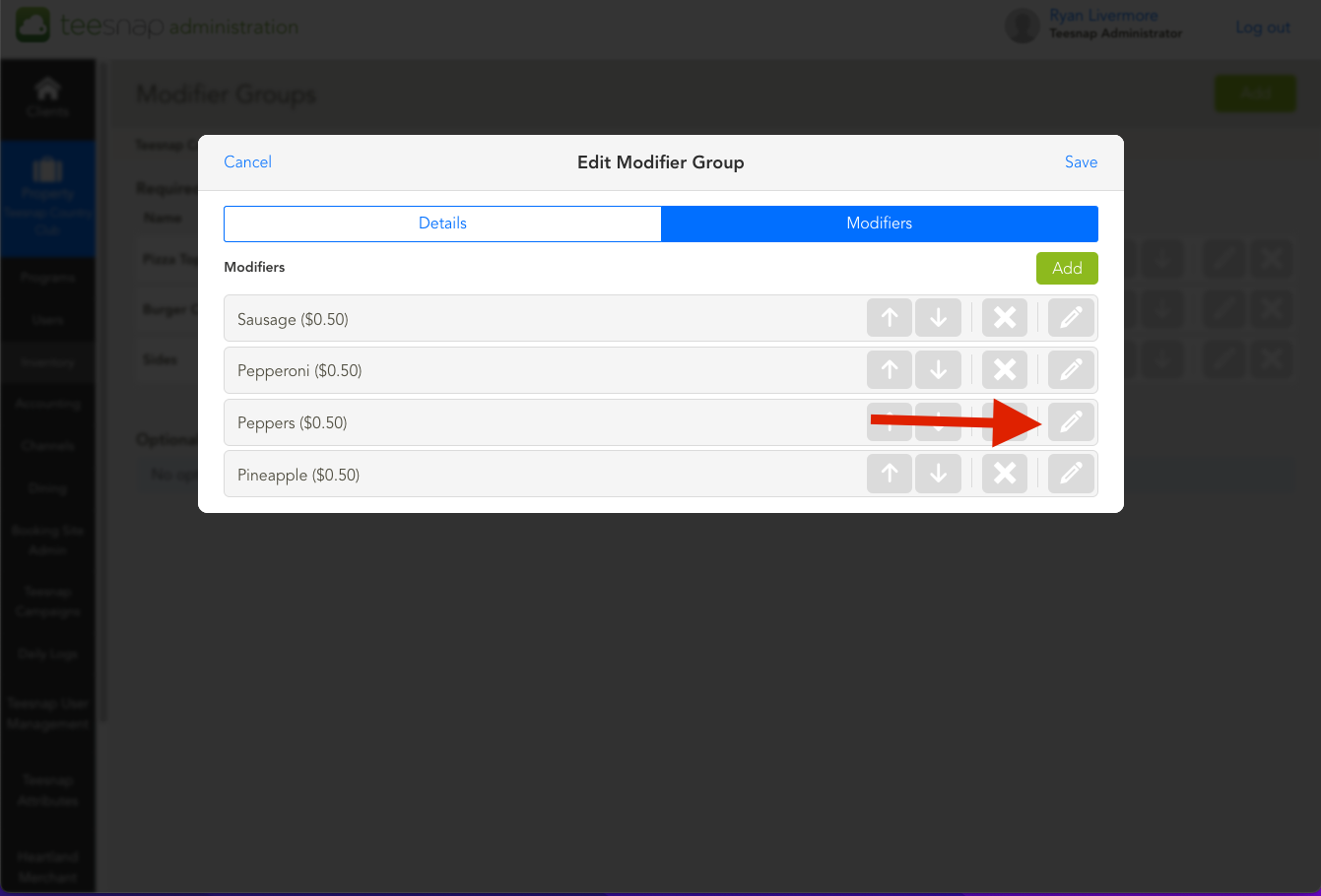
5. Now let's say we want to edit the price of a current modifier, Peppers for example. Start by clicking and opening the pencil button.
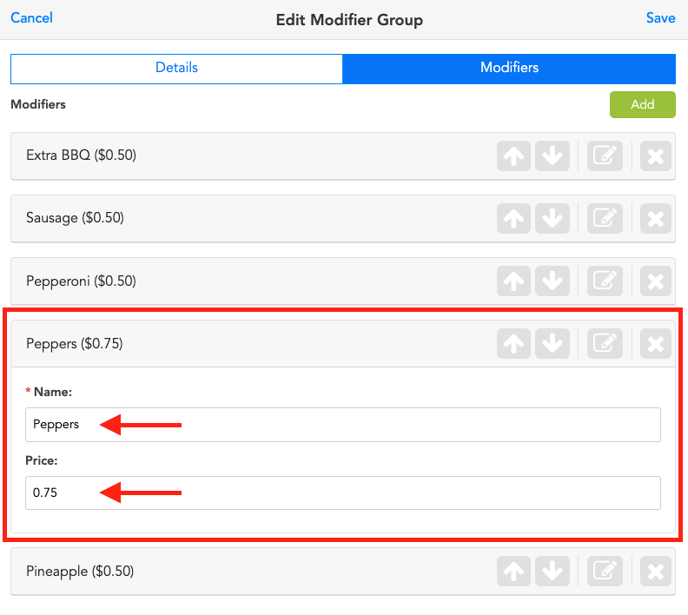
6. You can choose to edit either the Name or Price of the Modifier as needed.
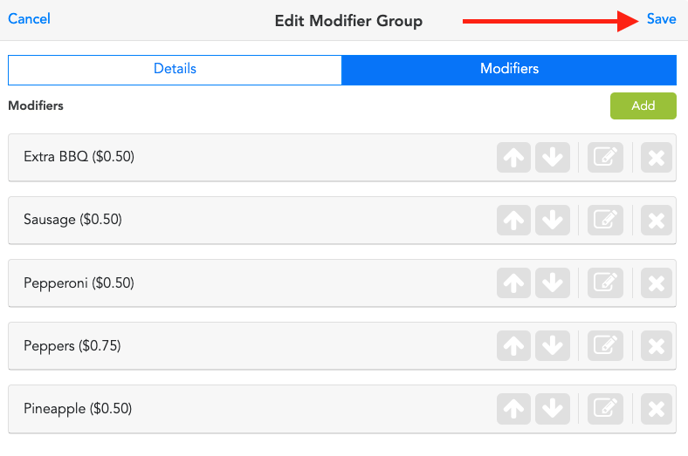
 7. If everything looks correct. Click Save.
If you have any questions, please do not hesitate to reach out to Teesnap Support by emailing us at support@teesnap.com or calling 844-458-1032