.png?width=240&height=55&name=Untitled%20design%20(86).png)
1. Login to the Teesnap Admin portal. Scroll down until you see the Round/Reservation Price Confirmation toggle.
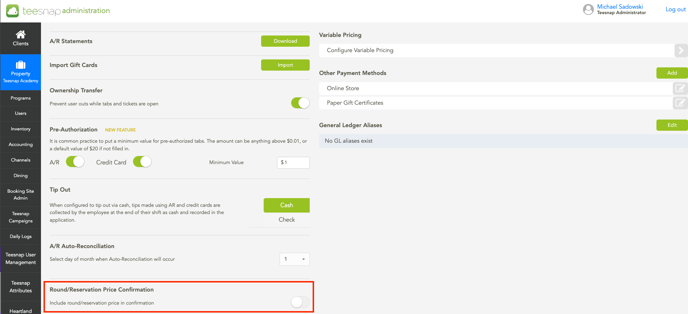
2. Toggling this feature on will give you the ability to customize the round/reservation pricing confirmation email as well as provide additional terms & conditions.
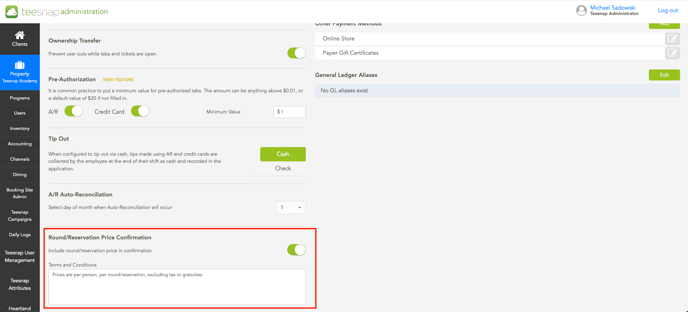
3. An example of this as shown in a confirmation email below. Now you're able to include additional information regarding the booking: each golfer must have a set of clubs, all riders must be 16+, etc.
.png?width=688&height=400&name=Screenshot%202024-10-04%20at%208.38.59%20AM%20(1).png)
If you have any questions, please do not hesitate to reach out to Teesnap Support by emailing us at support@teesnap.com or calling 844-458-1032