.png?width=240&height=55&name=Untitled%20design%20(86).png)
To enable simulator reservations, please get in touch with your Teesnap Customer Success Representative or Teesnap Support by calling 844-458-1032 or emailing support@teesnap.com
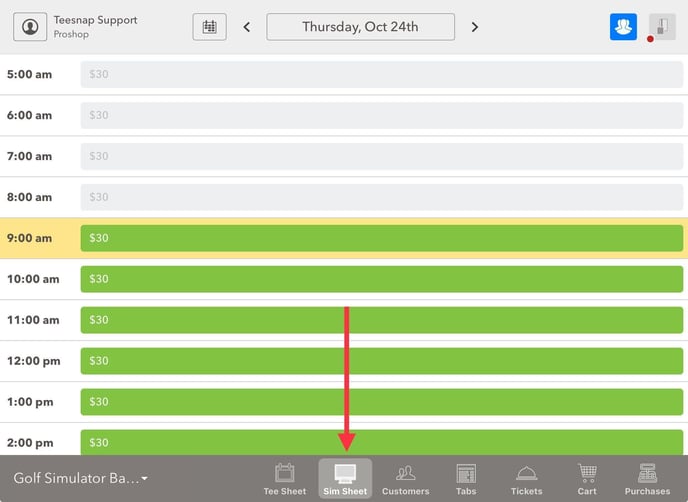
Once enabled, Sim Reservations will appear in both the Teesnap Admin Portal and iPad as shown below!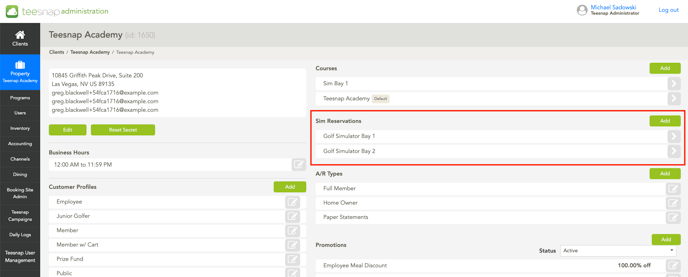
If you have any questions, please do not hesitate to reach out to Teesnap Support by emailing us at support@teesnap.com or calling 844-458-1032.