.png?width=240&height=55&name=Untitled%20design%20(86).png)
In this article we will show you how to export a chart of accounts.
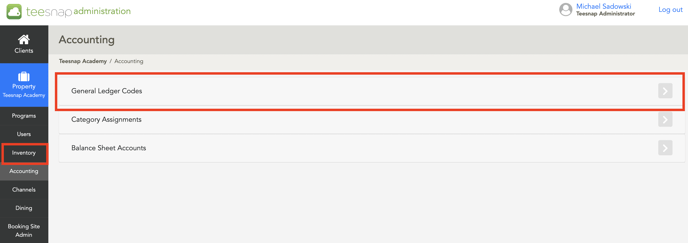
1. From the Admin Portal, select Accounting and then General Ledger Codes.
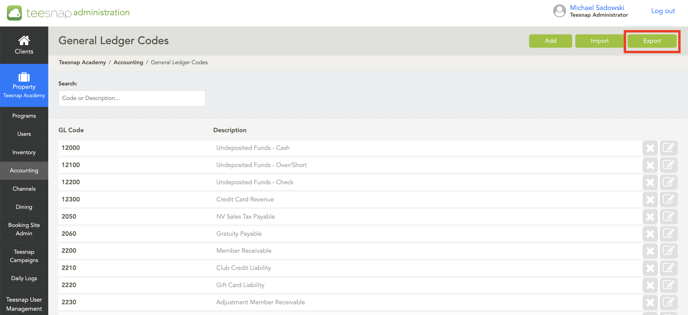
 2. Select Export at the top right.
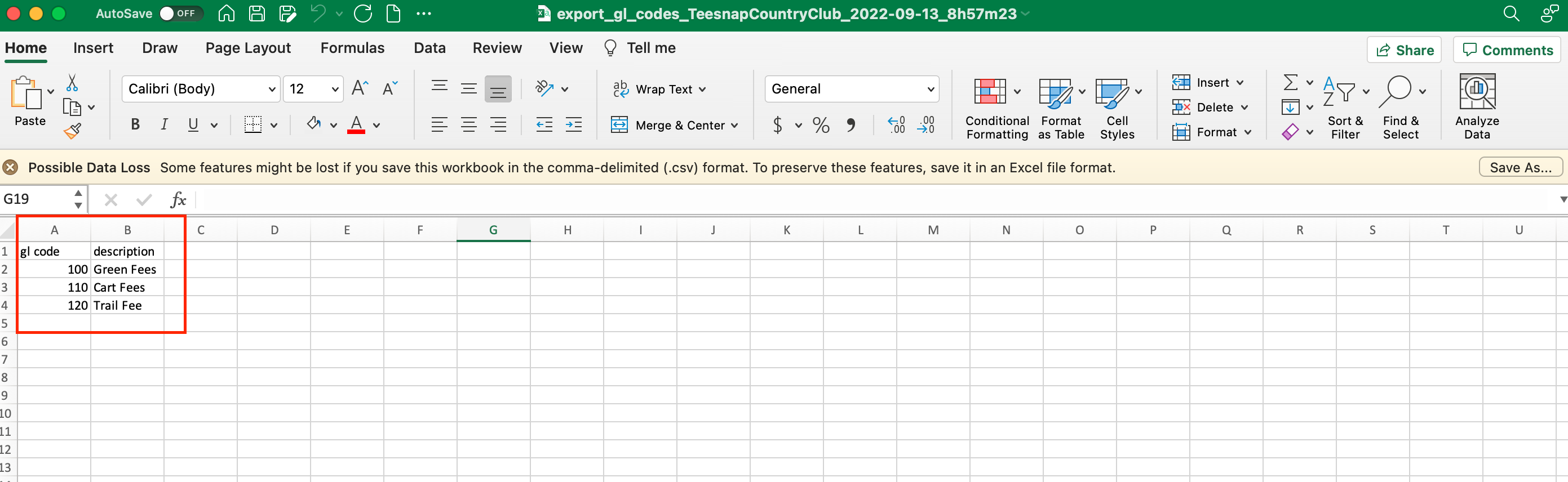
 3. A CSV file will open with a list of your accounts.
If you have any questions, please do not hesitate to reach out to Teesnap Support by emailing us at support@teesnap.com or calling 844-458-1032