.png?width=240&height=55&name=Untitled%20design%20(86).png)
Please note that to access the Reports section, you will need Admin Portal User credentials.
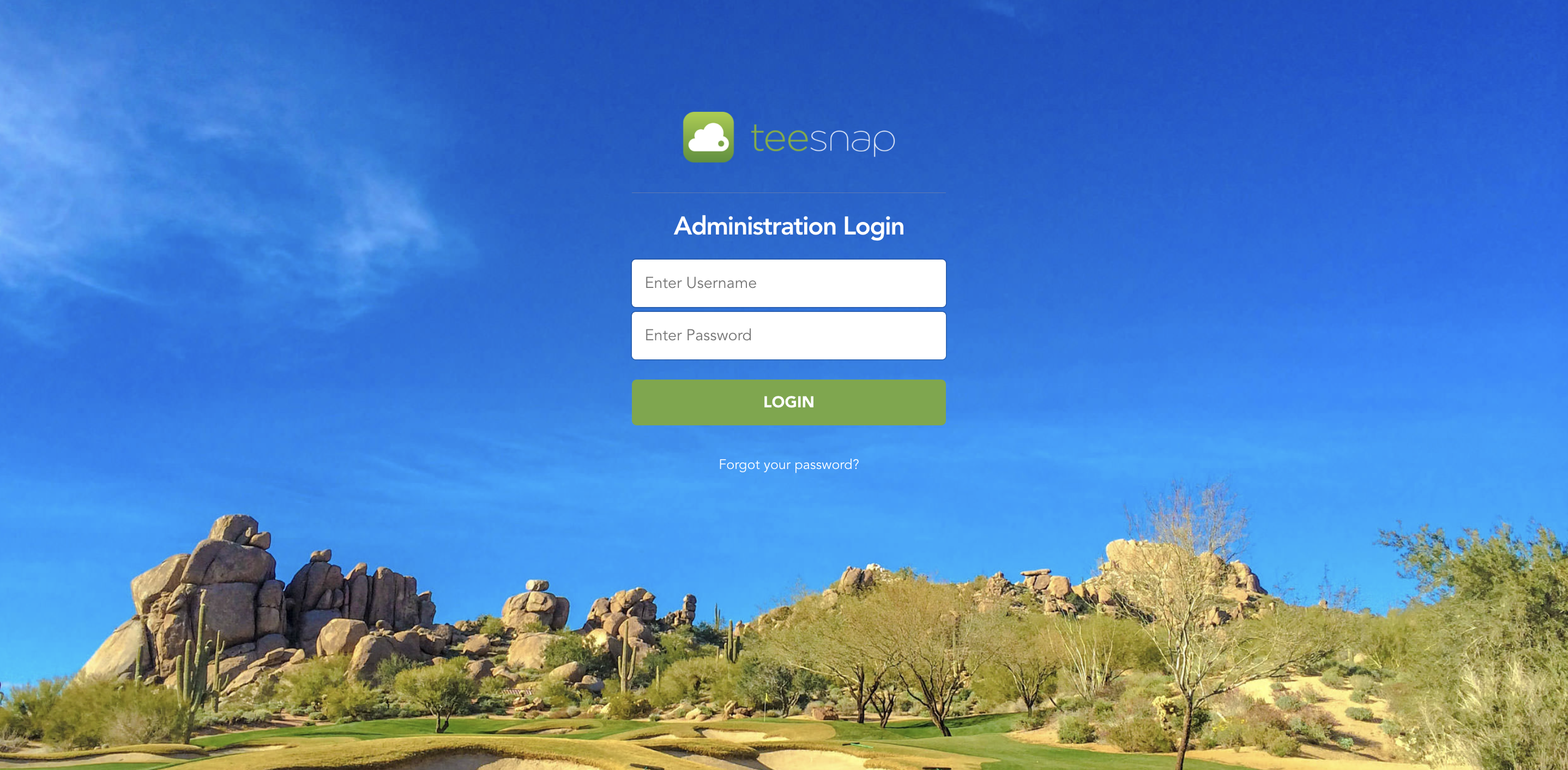
Click HERE to log into the Admin Portal with your username and password. If you need to reset your password, simply click on the "Forgot Password" option located below the Login button.
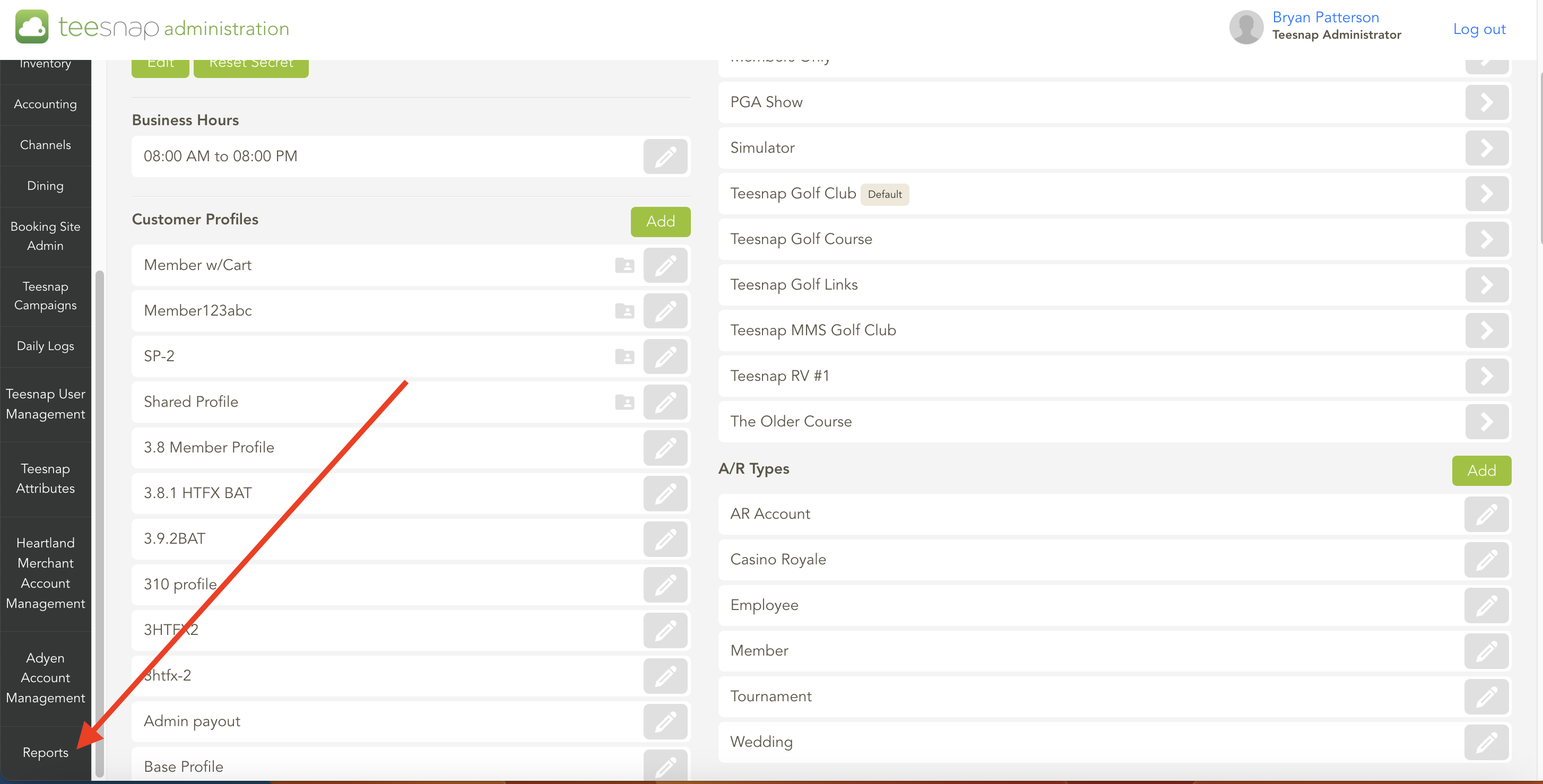
After successfully logging in, navigate to the "Reports" link located at the bottom of the left-hand navigation bar within the Admin Portal.
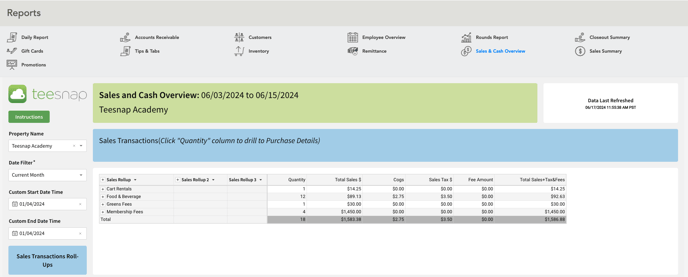
Upon opening the Reports section, you will be directed to the Sales & Cash Overview section.
If you forgot your password or have any questions, please contact Teesnap Support at support@teesnap.com or call 844-458-1032.