.png?width=240&height=55&name=Untitled%20design%20(86).png)
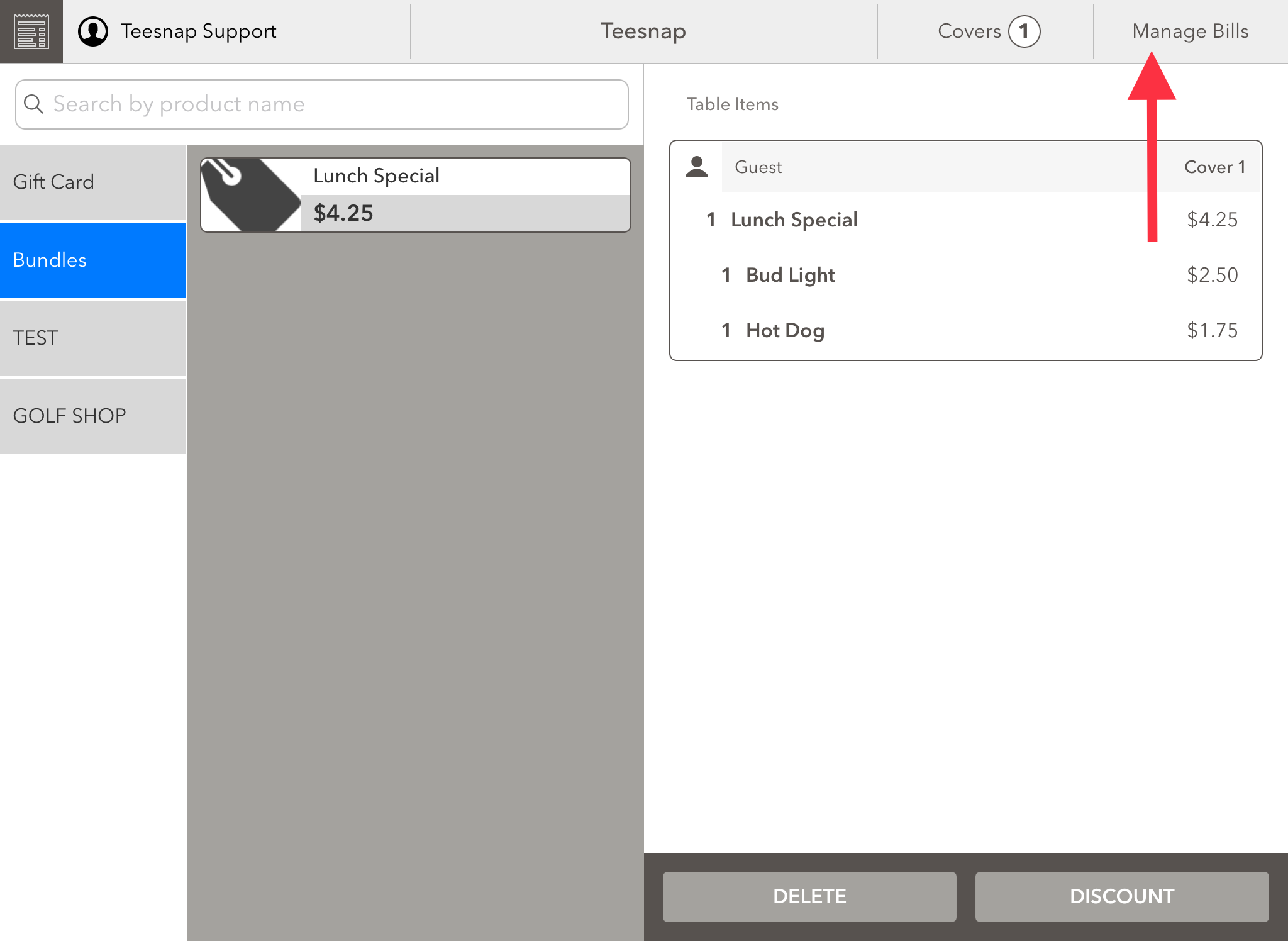
1. From the tabs screen, select manage bills in the upper right-hand corner.
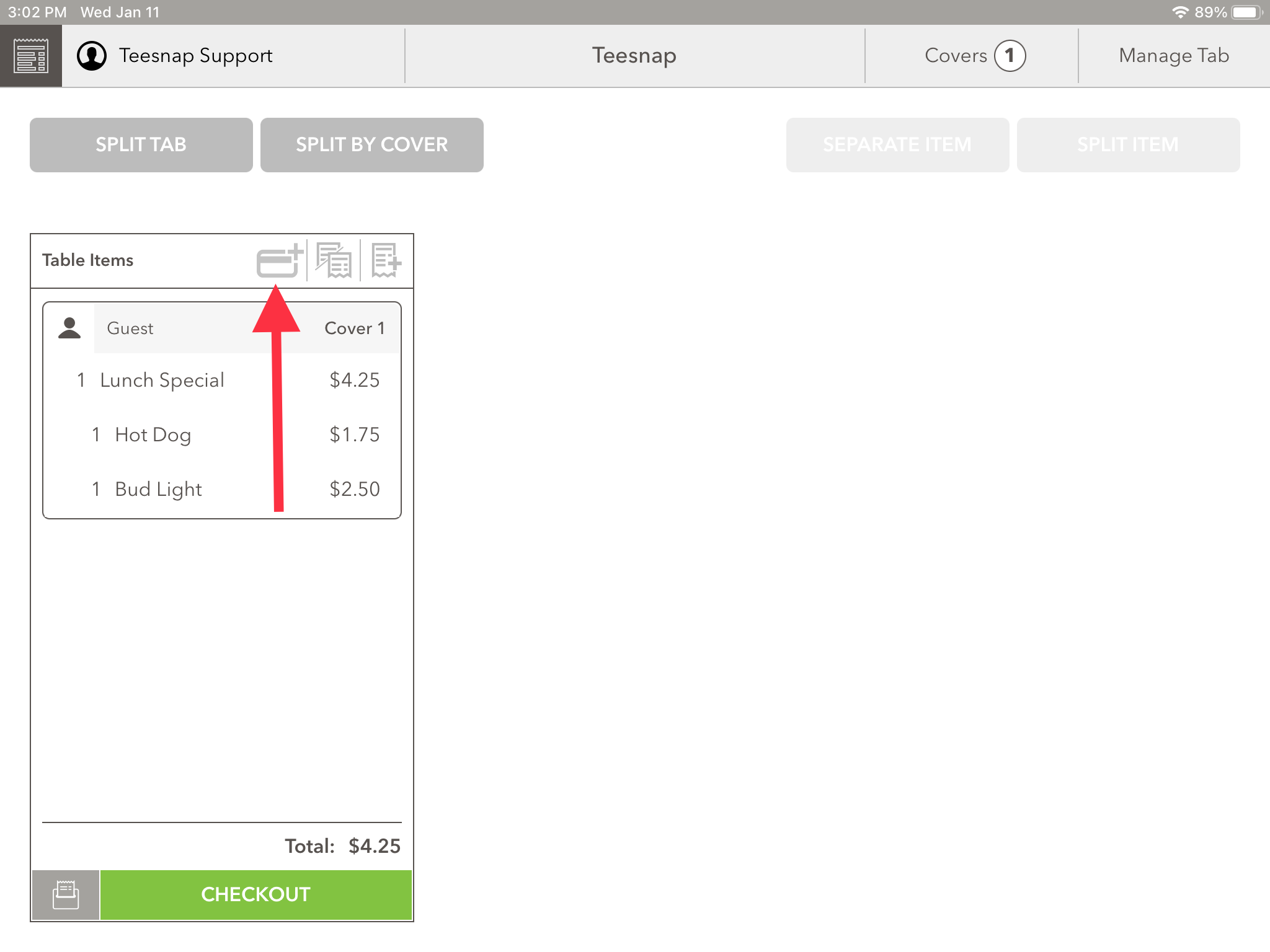
2. Here you will see an open tab. Click on the small credit card icon with the "+" sign in the top portion of the tab window.
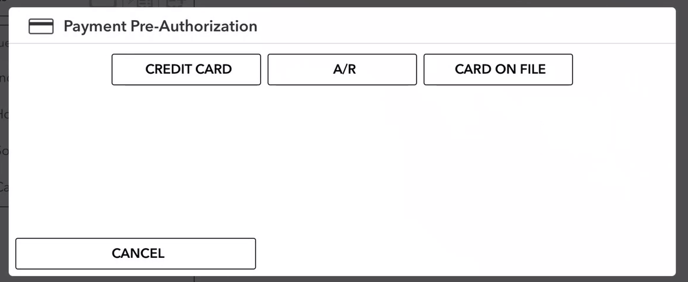
3. The Payment Pre-Authorization window will appear. Here you can pre-authorize the bill by Credit Card, A/R, or Credit Card on file.
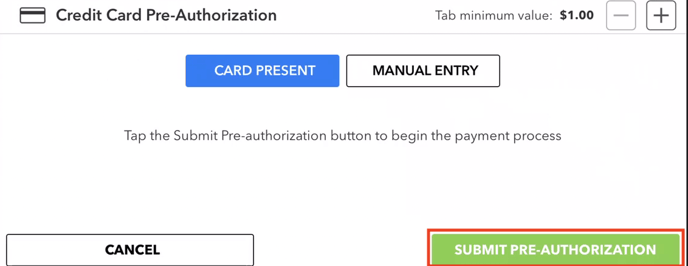
To pre-authorize a credit card, select CREDIT CARD. The Credit Card Pre-Authorization window will appear. To tap a card, select SUBMIT PRE-AUTHORIZATION
If you have any questions, please do not hesitate to reach out to Teesnap Support by emailing us at support@teesnap.com or calling 844-458-1032