.png?width=240&height=55&name=Untitled%20design%20(86).png)
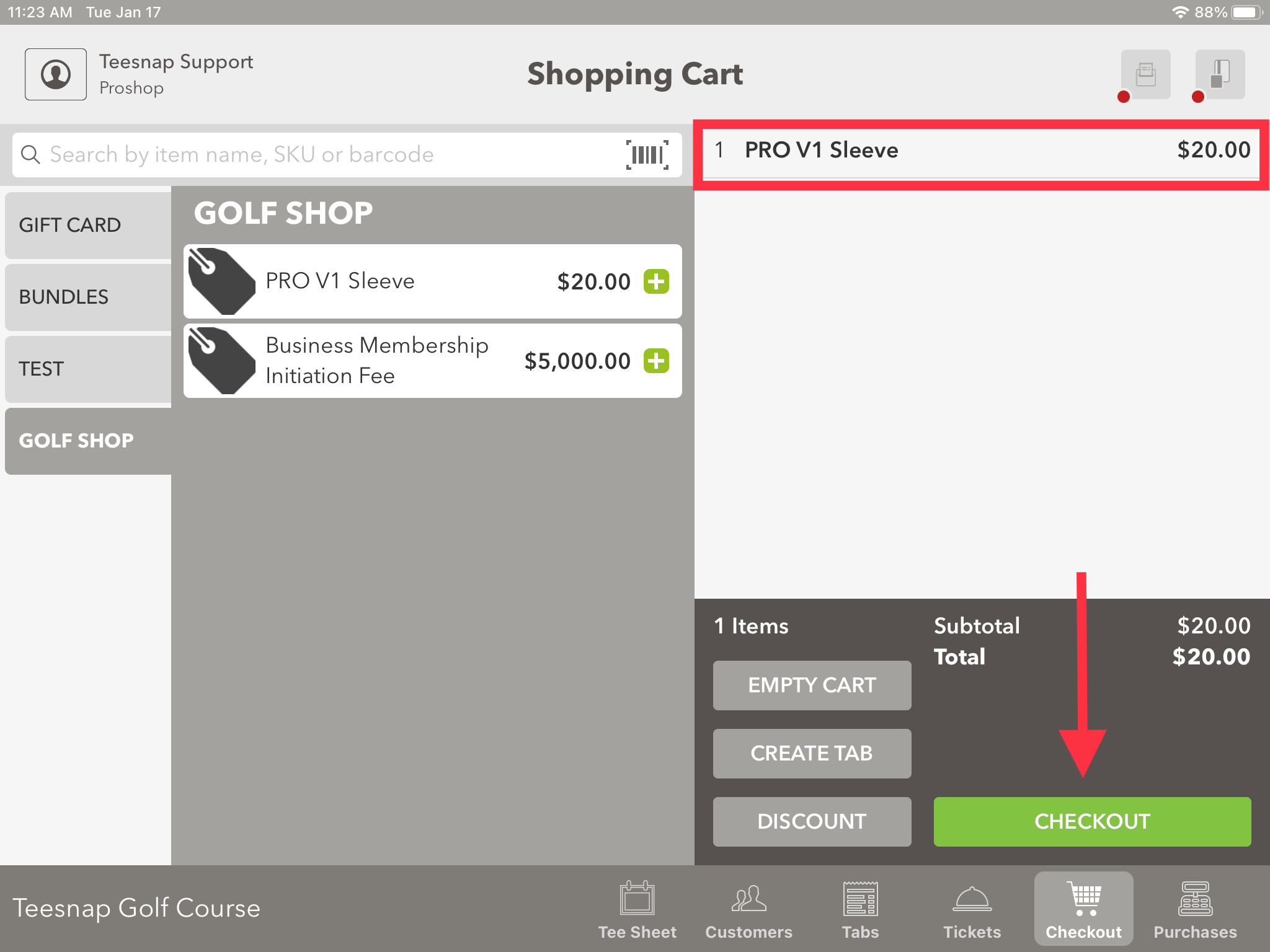
1. In the shopping cart select the product(s) you want to purchase. When complete select Checkout in the lower right-hand corner.
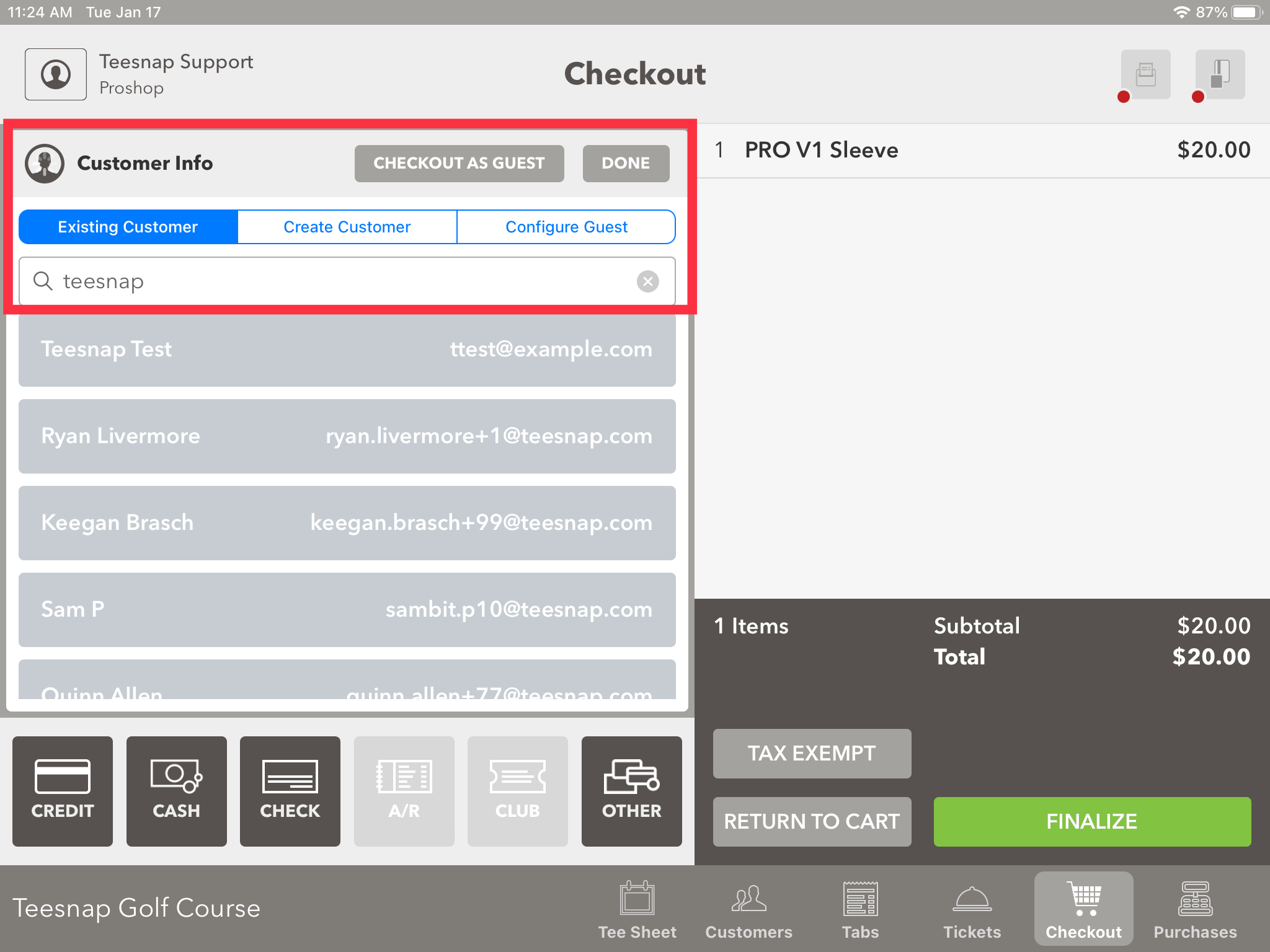
2. You will search for an existing customer, create a customer, or Checkout as Guest.
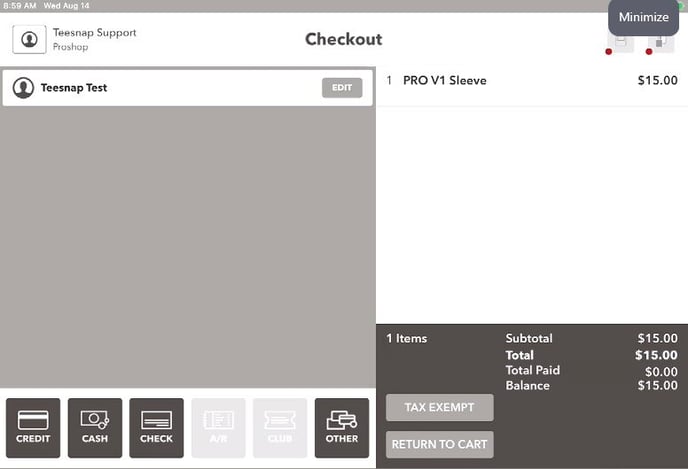
3. On the checkout screen you can see the "Teesnap Test" customer associated with this transaction. The system allows you to select a form of payment now that a customer has been selected.
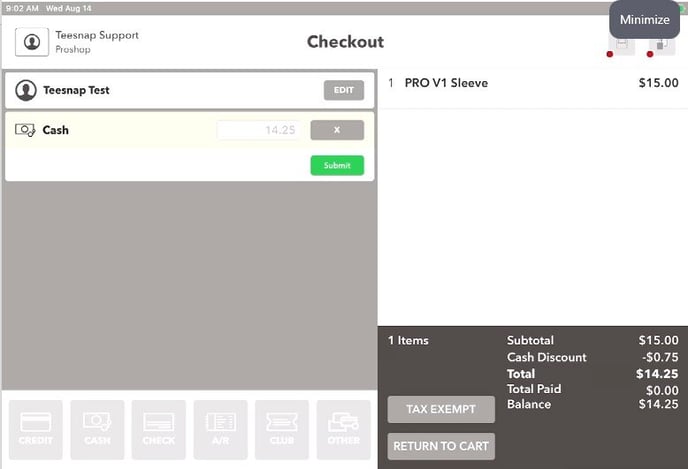
4. Select your tender type, then click Submit.
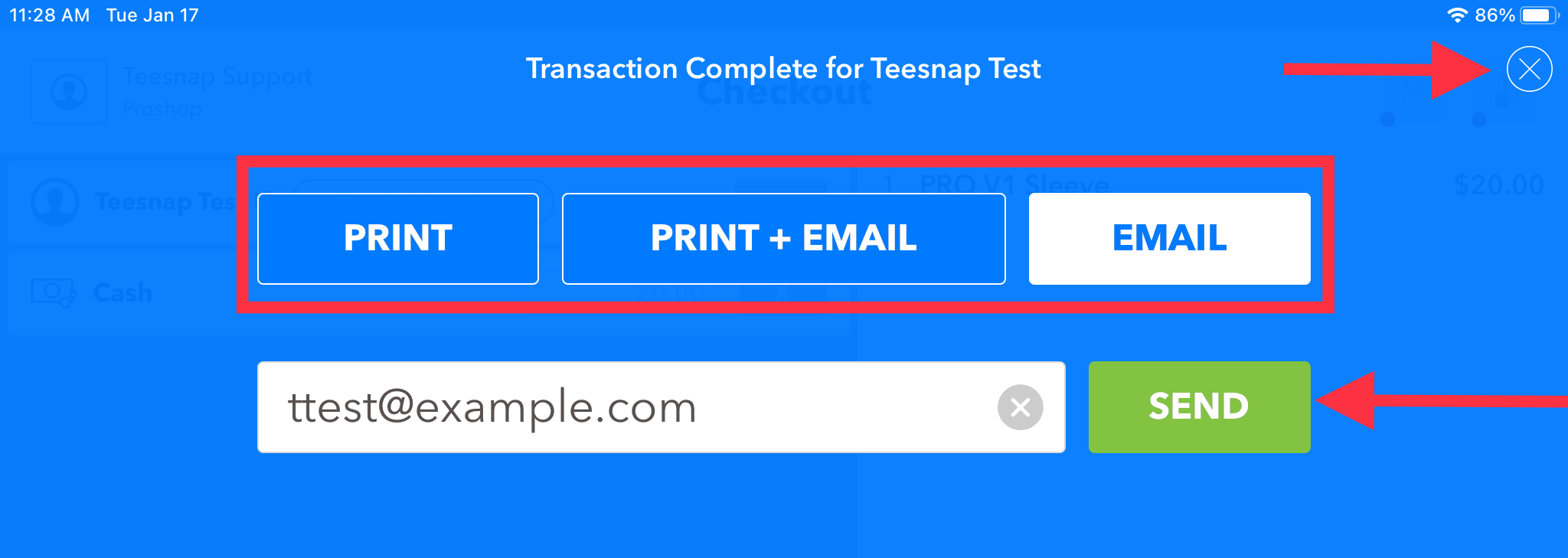
5. The completed transaction window will appear here now. Select a receipt option and click SEND. Repeat these steps to process a sale from the checkout screen.
If you have any questions, please do not hesitate to reach out to Teesnap Support by emailing us at support@teesnap.com or calling 844-458-1032.