.png?width=240&height=55&name=Untitled%20design%20(86).png)
1. From the Teesnap Admin portal, click Reports on the left-hand side of the page, then click Sales Summary.
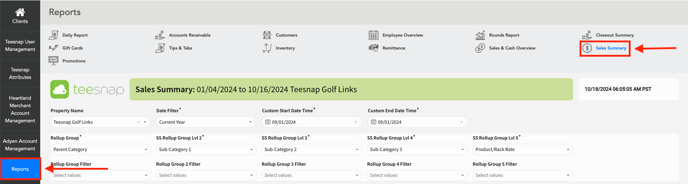
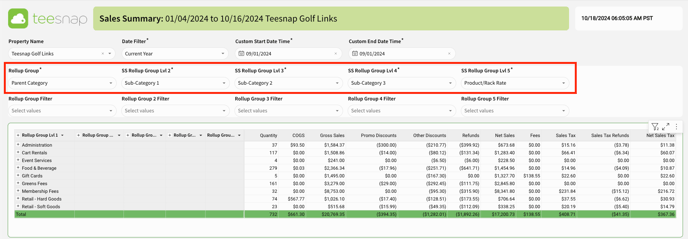
2. First, select your desired date range, and then choose one of the five Rollup Groups to display the Product/Rack Rate.
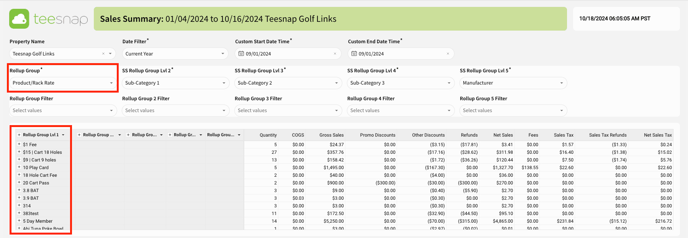
3. For this illustration, we selected Rollup Group 1 to include the Product/Rack Rate. As a result, the report displays sales by product according to the specified date range.
If you have any questions, please do not hesitate to reach out to Teesnap Support by emailing us at support@teesnap.com or calling 844-458-1032.