.png?width=240&height=55&name=Untitled%20design%20(86).png)
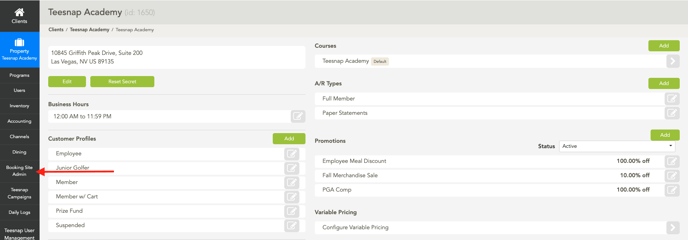
1. Select Booking Site Admin from the Admin Portal.
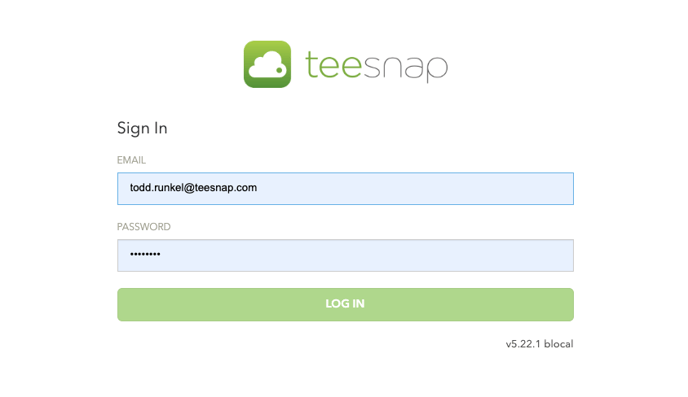
2. Enter your Username and Password
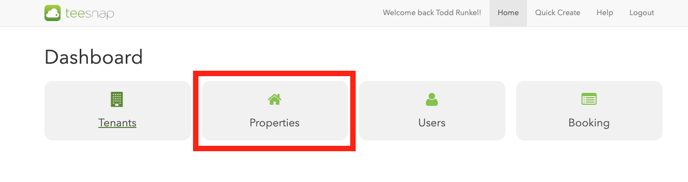
3. Select Properties Page.
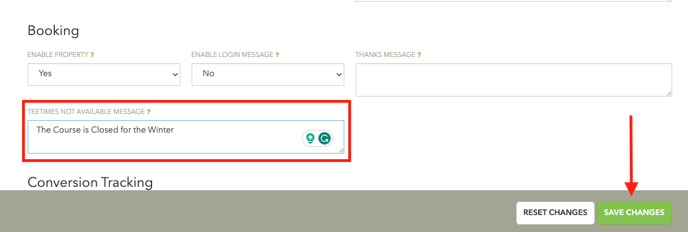
4. Enter a custom message to display to your customers when they click on your tee time booking link when online bookings are turned off. Remove this message when you turn on your booking engine. Select Save Changes when complete.
5. Select the golf course under the Courses section

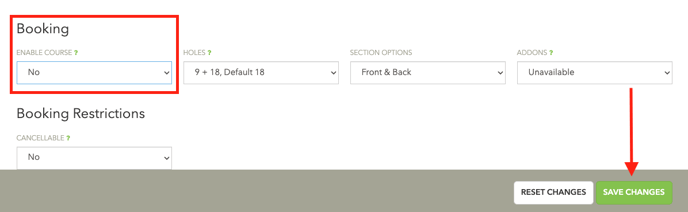
6. Under the Booking section select NO from the drop-down under Enable Course to turn off your booking engine and select YES to turn it back on.
If you have any questions, please do not hesitate to reach out to Teesnap Support by emailing us at support@teesnap.com or calling 844-458-1032