.png?width=240&height=55&name=Untitled%20design%20(86).png)
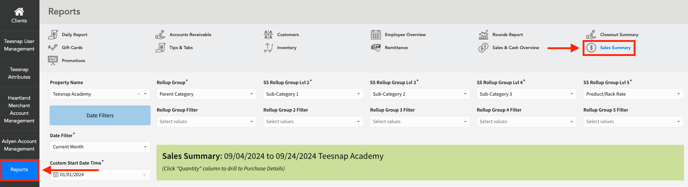
1. From the Teesnap Admin portal, click Reports on the left-hand side of the page, then click Sales Summary at the top of the page.
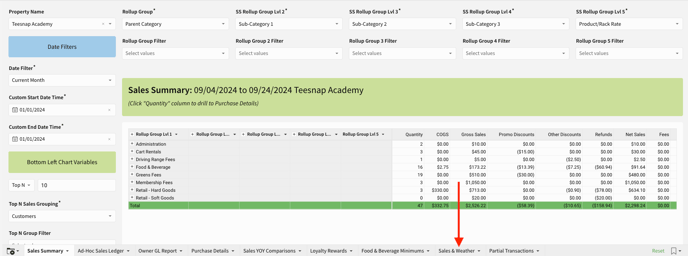
2. Scroll down to the bottom of the page to access the additional reports tabs, and click on the "Sales & Weather" tab.
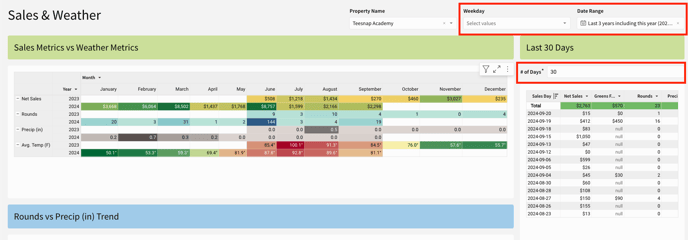
3. Use the Weekday and Date Range filters to fine tune the report data.
If you have any questions, please do not hesitate to reach out to Teesnap Support by emailing us at support@teesnap.com or calling 844-458-1032.