.png?width=240&height=55&name=Untitled%20design%20(86).png)
1. Click the drop-down at the bottom right of the page, then select Manage Bookmarks.

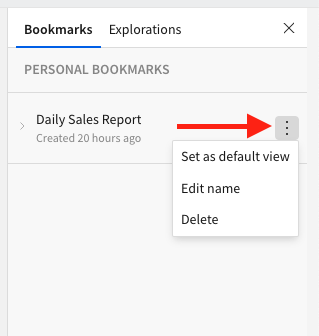
2. Under Manage Bookmarks you can Set as Default View, Edit Name, and Delete the bookmark.
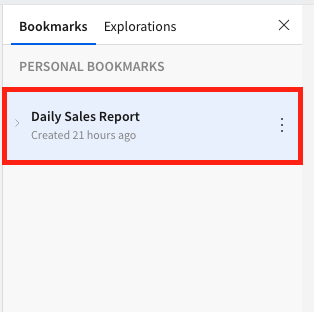
3. Choosing the report will refresh it to display the selected bookmark view.
If you have any questions, please do not hesitate to reach out to Teesnap Support by emailing us at support@teesnap.com or calling 844-458-1032.