.png?width=240&height=55&name=Untitled%20design%20(86).png)
Admin Portal users can set and reset their own password.
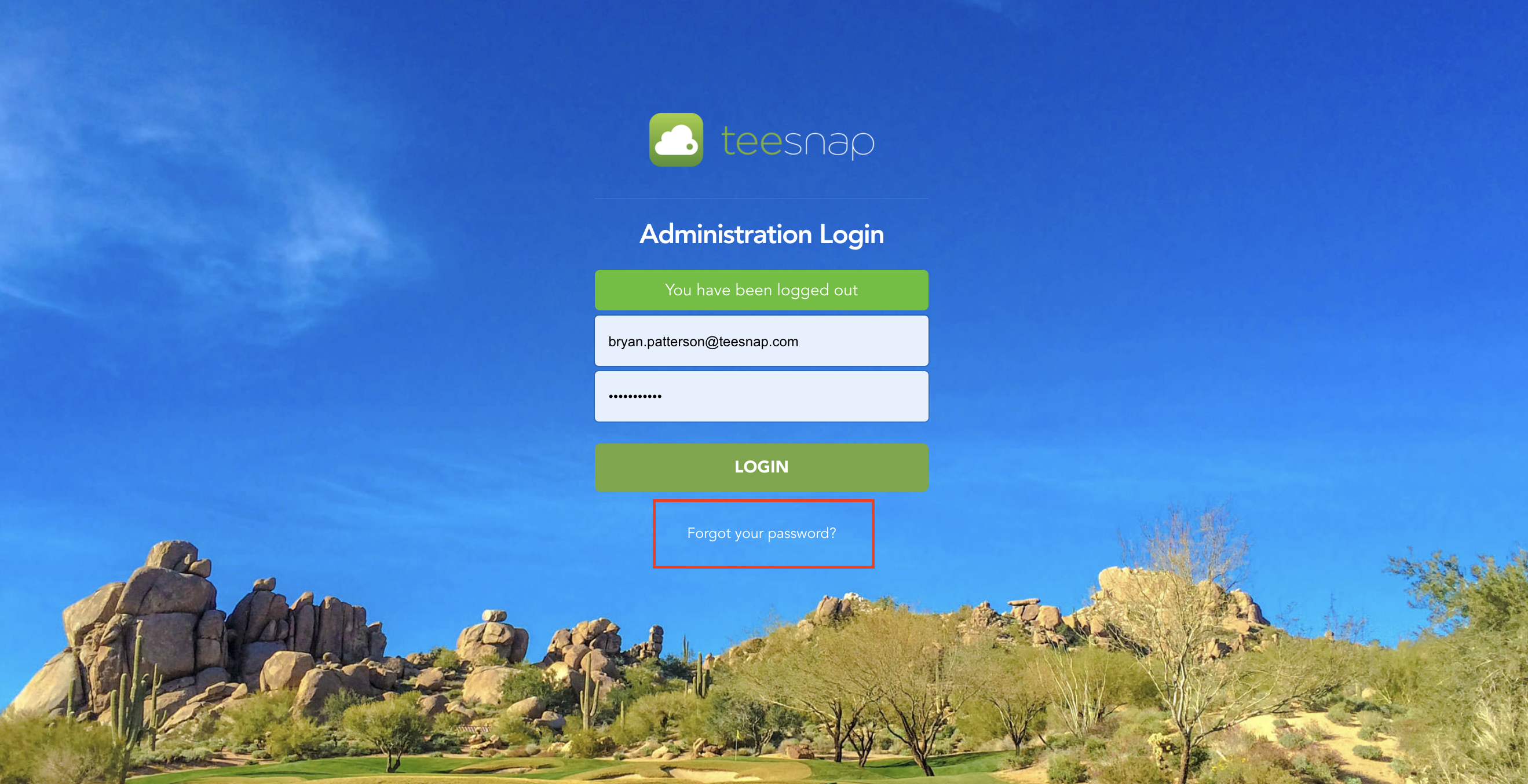
- Locate and select the "Forgot Your Password" link underneath the login screen.
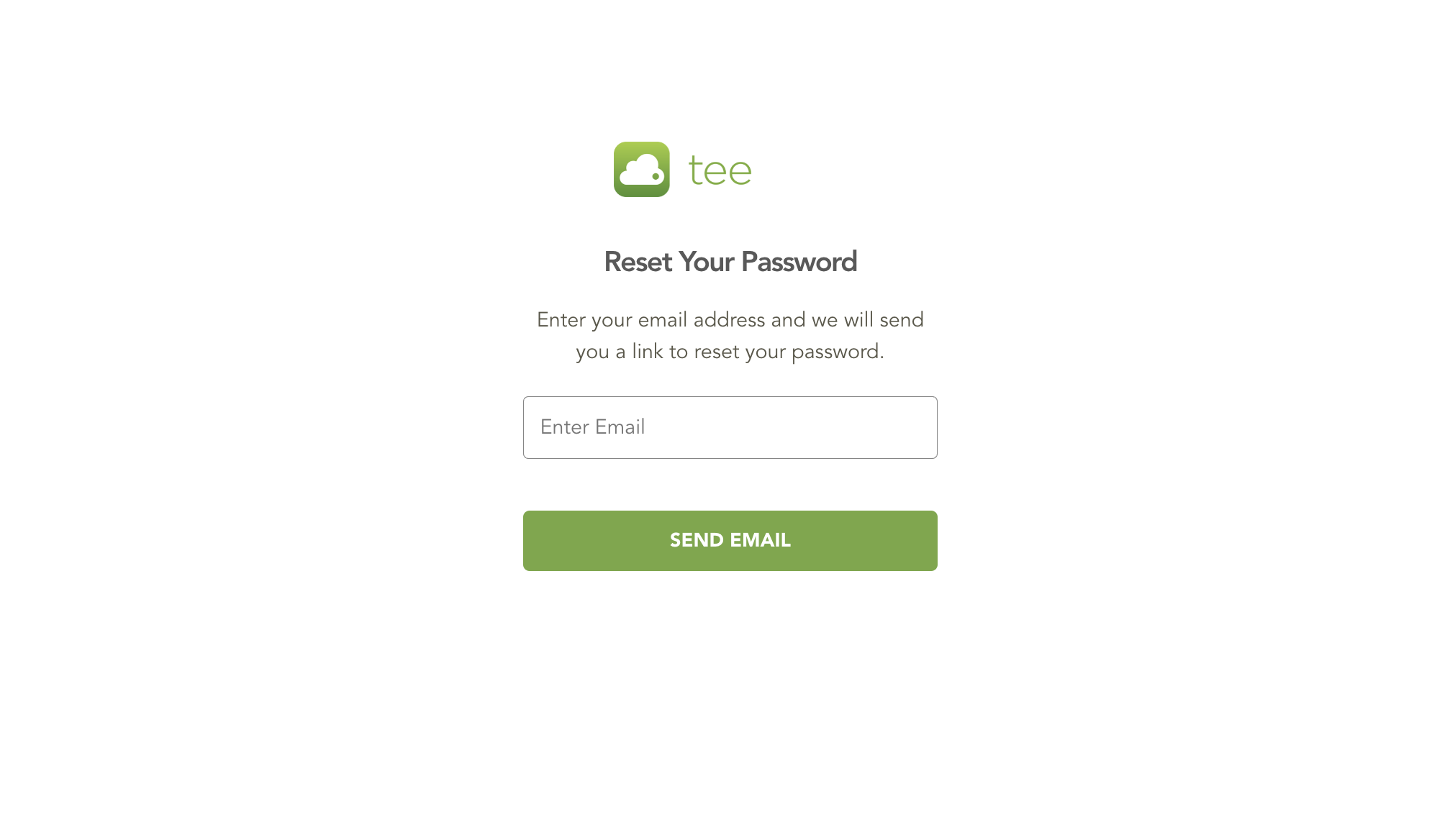
- Enter your email address to send a "Reset Your Password" link.
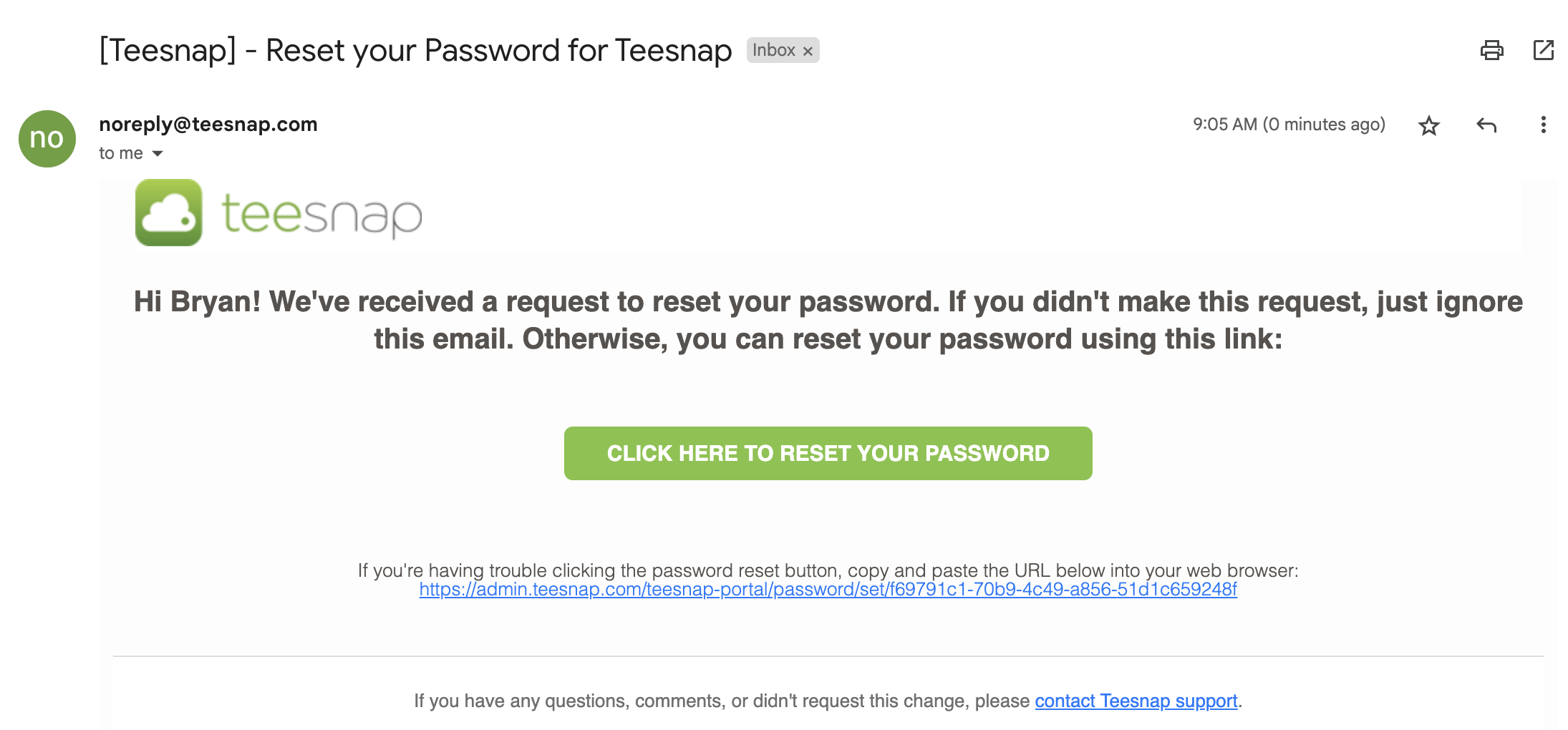
- Check your inbox to find the reset your password link.
- Enter your new password in the Set your Password Screen.
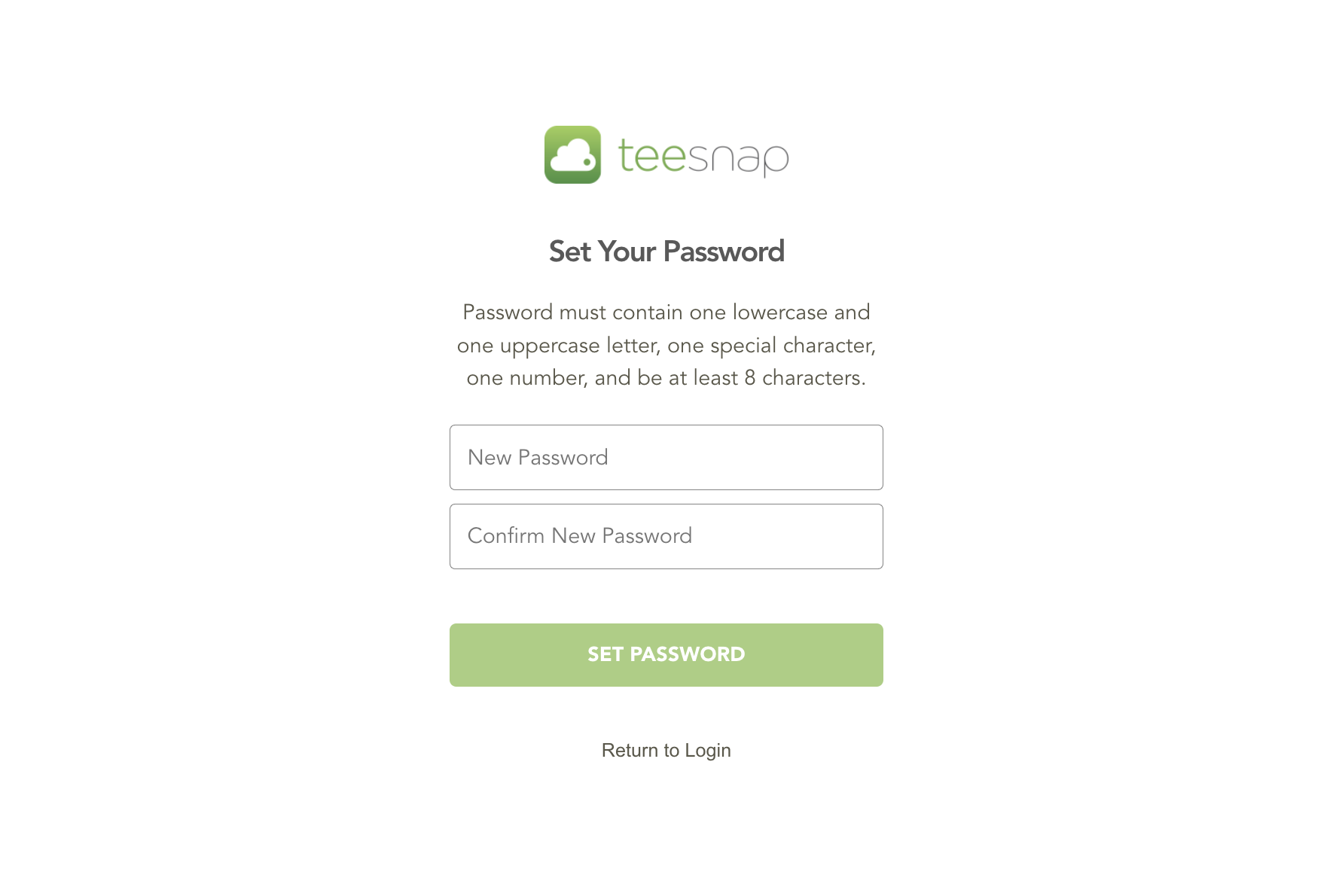
***NOTE: Password must contain one lowercase and one uppercase letter, one special character, one number, and be at least 8 characters.***
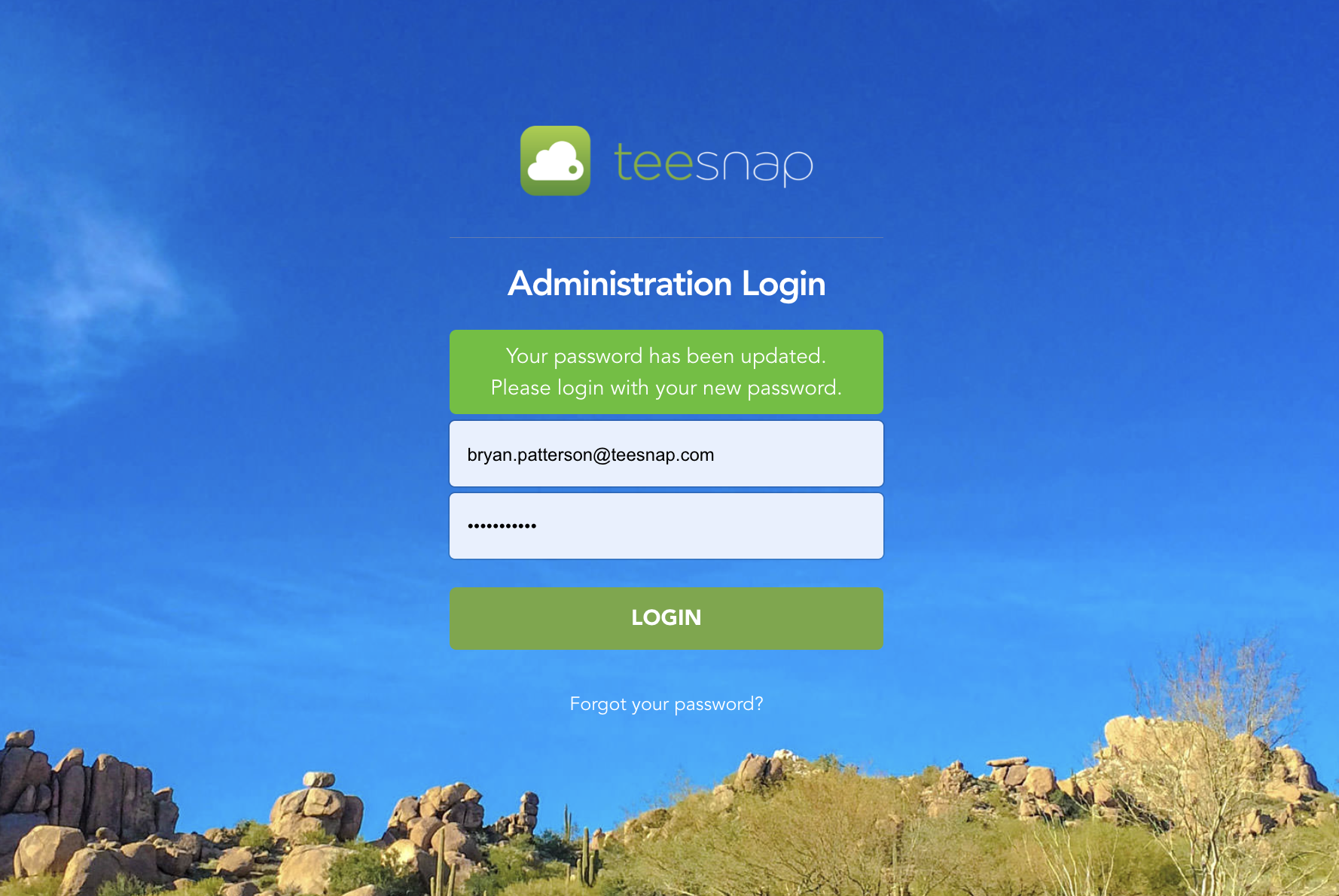
- Once entered, you will be prompted to enter your new password to login.
***NOTE: There is a password change requirement every 90 days with a reminder to change password 10 days out.***